MeetOne explained simply
Video consultations, appointments and documents.
All in one place.
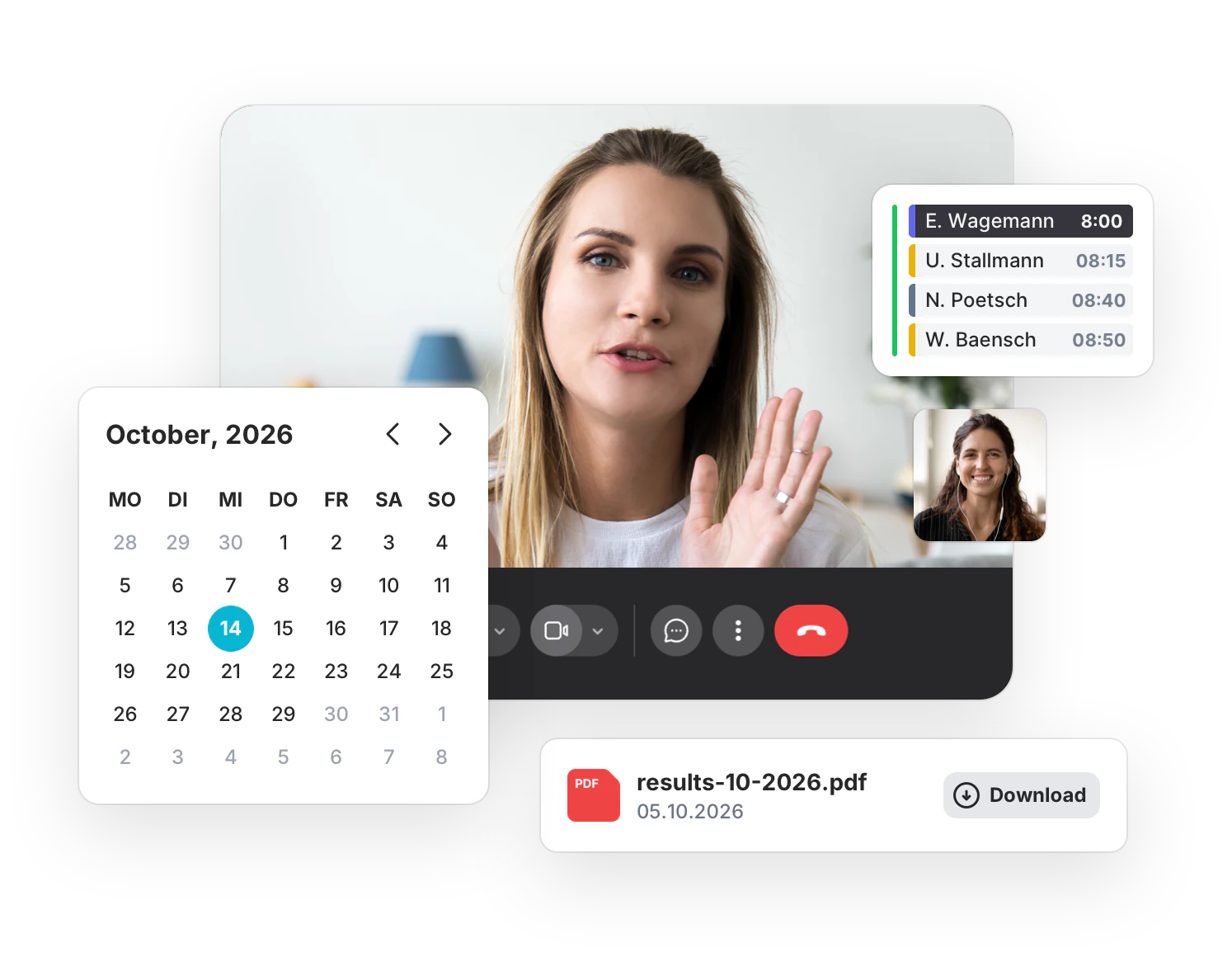
MeetOne is a program for medical and therapy practices. You use it to talk to your patients by video. You give out appointments, plan your calendar and exchange documents securely.
-
Nothing to install
MeetOne runs in the browser. A computer, tablet or smartphone is enough.
-
Billable
Certified for video consultations. Billing according to EBM and GOÄ.
-
Protected data
Encrypted calls. Servers in Germany and the EU.
-
30-day trial
Free and without a credit card. The trial ends by itself.
What changes in your daily work
MeetOne takes care of many small tasks for you.
Phone calls, paperwork and coordination take time every day. Here you can see what MeetOne does for you.
-
Booking appointments
Until now
The phone keeps ringing. Your team enters every appointment by hand.
With MeetOne
Patients book online by themselves. Also in the evening and at the weekend.
-
Reminding patients
Until now
Someone forgets their appointment. The time slot goes unused.
With MeetOne
MeetOne sends reminders by email automatically. 1 day before and 1 hour before.
-
Keeping a calendar
Until now
Practice appointments and private appointments are in different calendars.
With MeetOne
You connect your calendar to MeetOne. If it shows a holiday, nobody can book during that time.
-
Walk-in hours
Until now
The waiting room is full. Nobody knows how much longer it will take.
With MeetOne
Patients check in online. They wait at home and see roughly how long it will take.
-
Sending results
Until now
Medical results go by fax, by post or by unprotected email.
With MeetOne
You send documents via a protected link. A code is needed to open them.
-
Getting consent
Until now
Consent forms are signed on paper, scanned and filed.
With MeetOne
Patients give their consent online when they book. MeetOne saves it with the appointment.
How a video appointment works
From booking to results in 5 steps.
An example: a patient wants to talk about a test result. She does not have to come to the practice for that.
-
1
Book an appointment
The patient chooses a free appointment on your website. She also agrees to the video consultation.
-
2
Get an email
She immediately gets a confirmation with the link to the call. Before the appointment, MeetOne reminds her again.
-
3
Click the link
Shortly before the appointment she clicks the link. MeetOne checks the camera and microphone. Then she waits in the waiting room.
-
4
Start the call
You see that your patient is waiting. With one click you let her in. The call begins.
-
5
Send the results
After the call you send the results via a protected link. Your patient opens it with a code.
The Pro plan
What MeetOne Pro can do.
MeetOne comes in different packages. We call them plans. Pro is the plan for practices that want to use video, appointments and documents together. Here we explain all the features of Pro. They are divided into 7 areas.
-
Consultations by video
You talk to your patients via the screen.
Read more ↓ -
Online appointment booking
Patients book by themselves. Around the clock.
Read more ↓ -
One calendar for everything
All appointments in one place. Including the private ones.
Read more ↓ -
Walk-in hours by video
No appointment needed. People wait at home instead of in the waiting room.
Read more ↓ -
Exchanging documents securely
Send and receive results. Without a fax.
Read more ↓ -
Working together as a team
Everyone in the practice works in the same program.
Read more ↓ -
Connection to your software
MeetOne exchanges data with other programs.
Read more ↓ -
Coming soon to Pro
Questionnaires and Group calls
Area 1 of 7
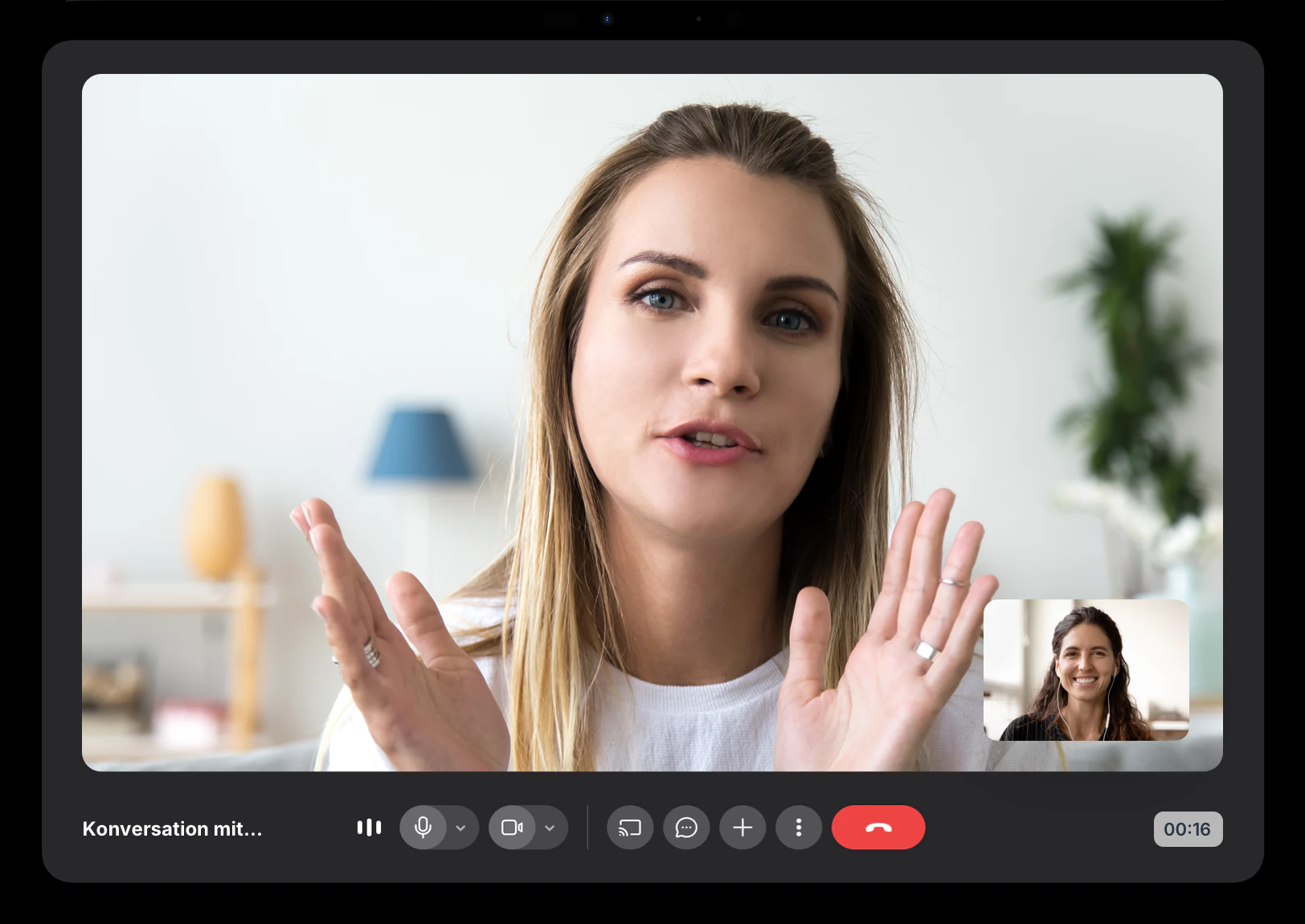
Consultations by video
A video consultation is like an appointment at the practice. Only you and the other person are in different places.
-
No app
All anyone needs is a browser. One click on the link is enough to start the conversation. -
Waiting room
Your patient waits in a digital waiting room. You let her in when you are ready. -
Fixed video room
For regular appointments there is a fixed link. It always stays the same. -
More people
Relatives or an interpreter can join. -
Show your screen
You share your screen. For example an X-ray or a lab report. -
Technical check
Before the call, MeetOne checks the camera, microphone and internet connection.
In daily work
Nobody has to come to the practice for a short talk. That saves travel and waiting time.
Area 2 of 7
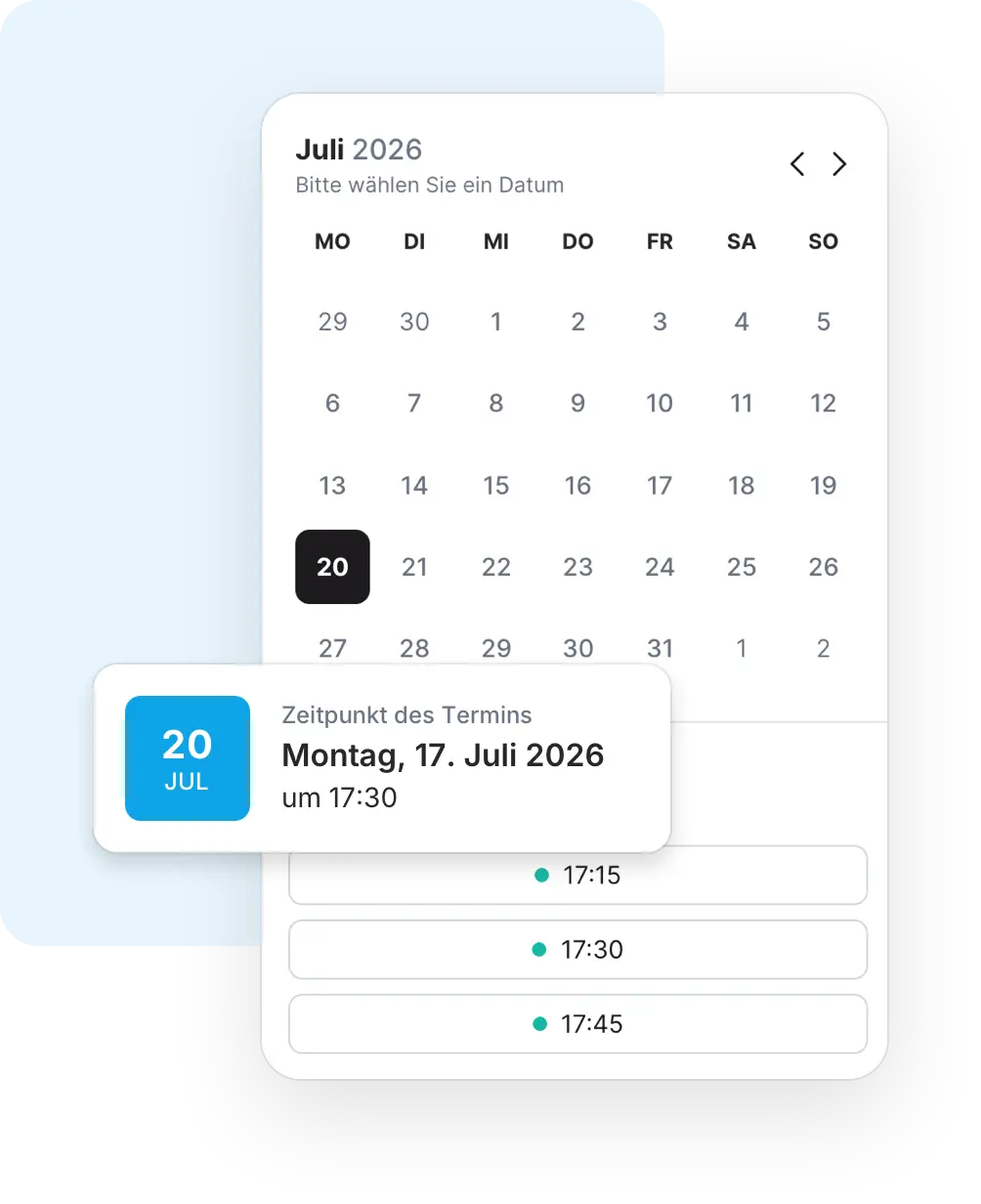
Online appointment booking
You decide when you have time. Your patients only see these free times and choose one.
-
On your website
The booking form appears directly on your own website. -
Request instead of booking
Patients can also suggest times that suit them. Your team then decides on the appointment. -
Appointments at the practice
You do not only plan video appointments. Also appointments on site, with address and room. -
Confirmation and reminders
MeetOne sends emails with a calendar entry automatically. You do not have to do anything. -
Consent when booking
Patients agree online in advance. MeetOne saves the text and the time. -
Uploading documents
Patients can upload files when they book. For example a doctor's letter.
In daily work
Your team spends less time on the phone. Appointments are booked even when the practice is closed.
Area 3 of 7
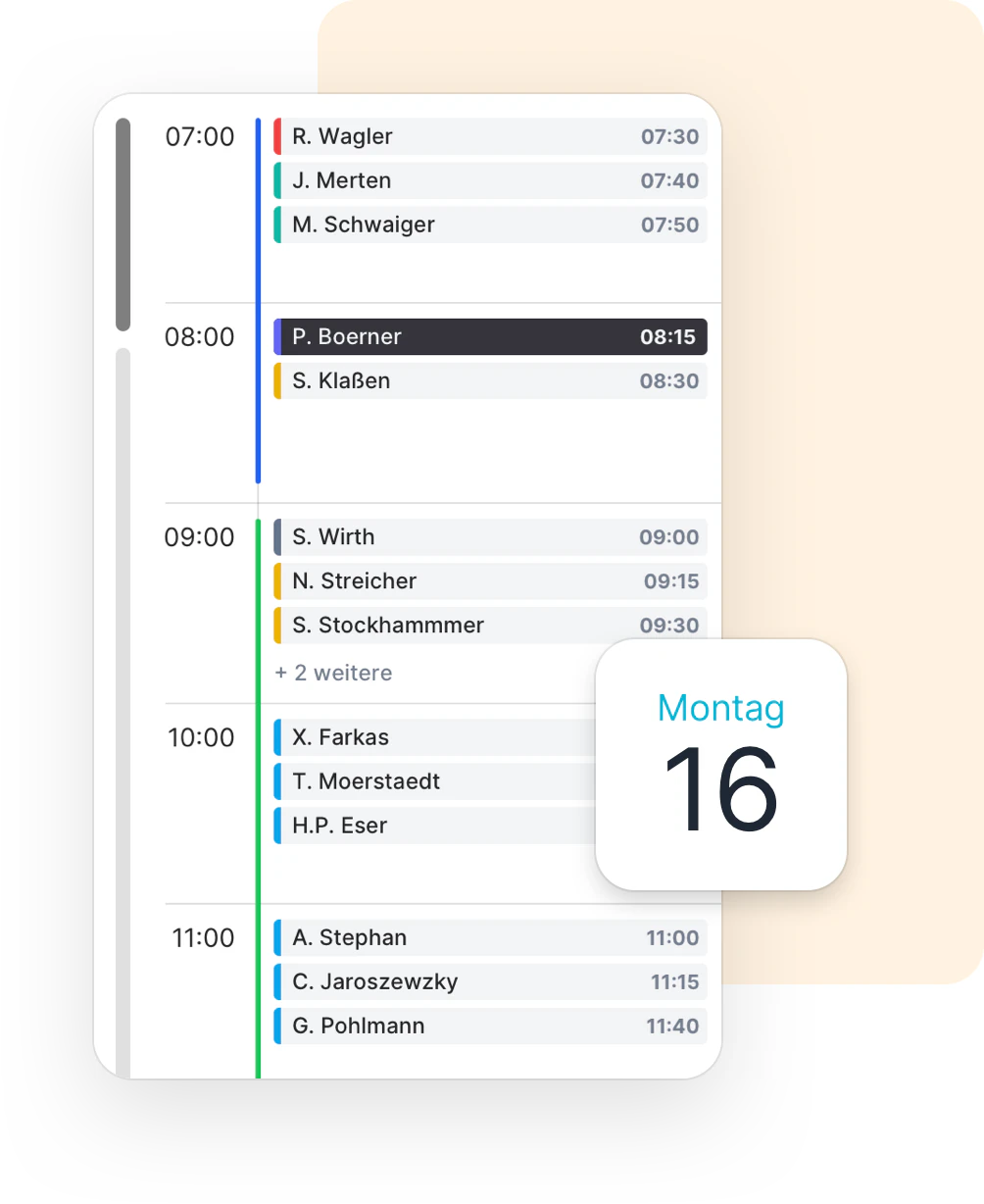
One calendar for everything
In MeetOne you see all appointments at a glance. You can add your private appointments.
-
Weekly planner
You plan your week. You simply drag free times into the calendar with the mouse. -
Connect your calendar
Connect Google Calendar, Outlook or iCloud. The appointments from there appear in MeetOne. -
Holidays block appointments
If your calendar shows a holiday, nobody can book online during that time. -
No double appointments
MeetOne prevents you from having two appointments at the same time. Booked times disappear from online booking. -
Booking lead time
You decide how short notice an online booking can be.
In daily work
You only keep one calendar. You no longer have to compare calendars by hand.
Area 4 of 7
Walk-in hours by video
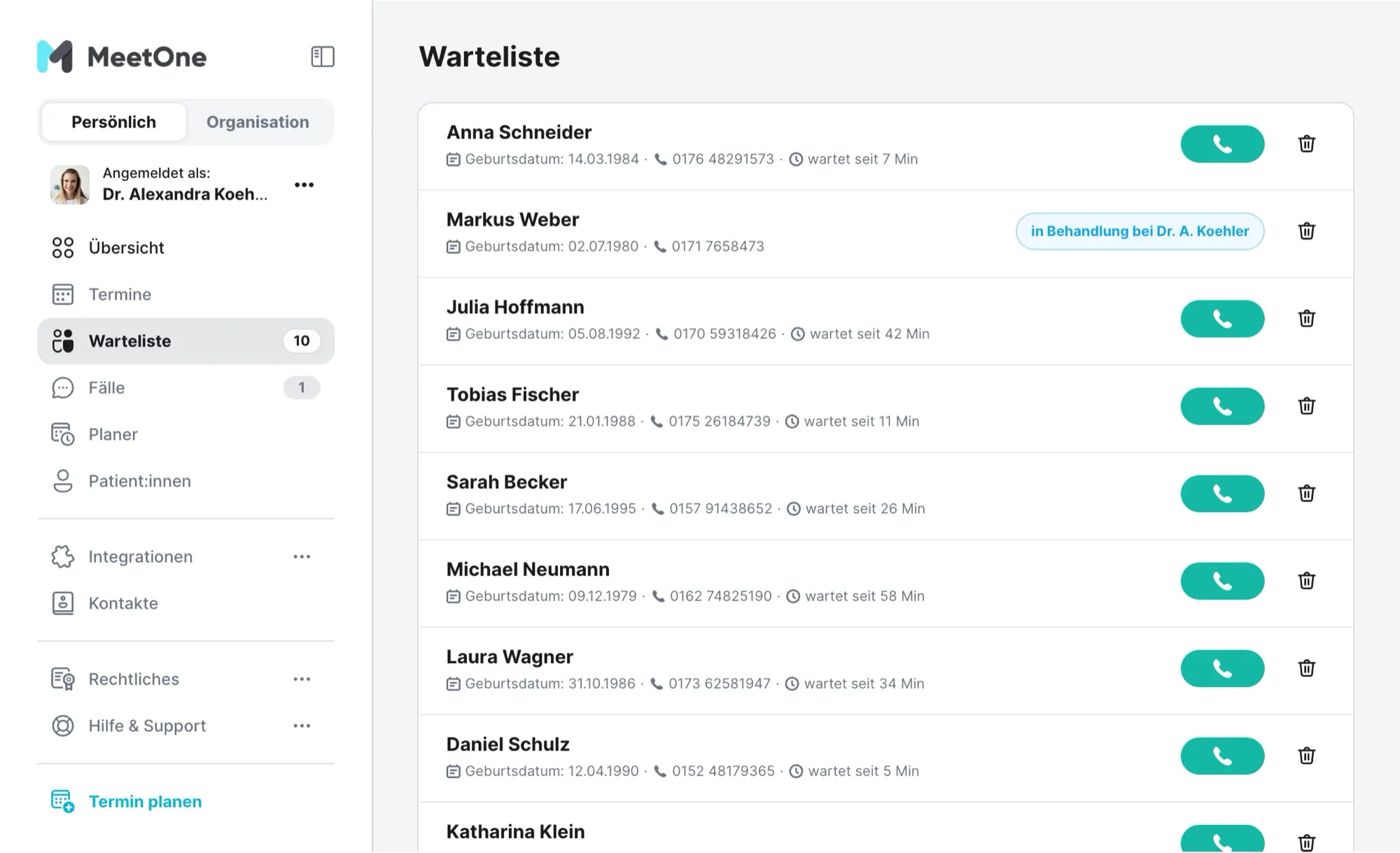
The digital waiting room is like walk-in hours on the internet. Patients come without an appointment and wait until it is their turn.
-
Check in on your website
Name, date of birth and phone number are enough to check in. -
Visible waiting time
People who are waiting see roughly how long it will take. -
One list for the whole team
Everyone who is waiting is on one list. Whoever is free calls the next person. -
Nothing twice
Each case can only be called once.
In daily work
Fewer calls and a less crowded waiting room. Several doctors work through the list together.
Area 5 of 7
Exchanging documents securely
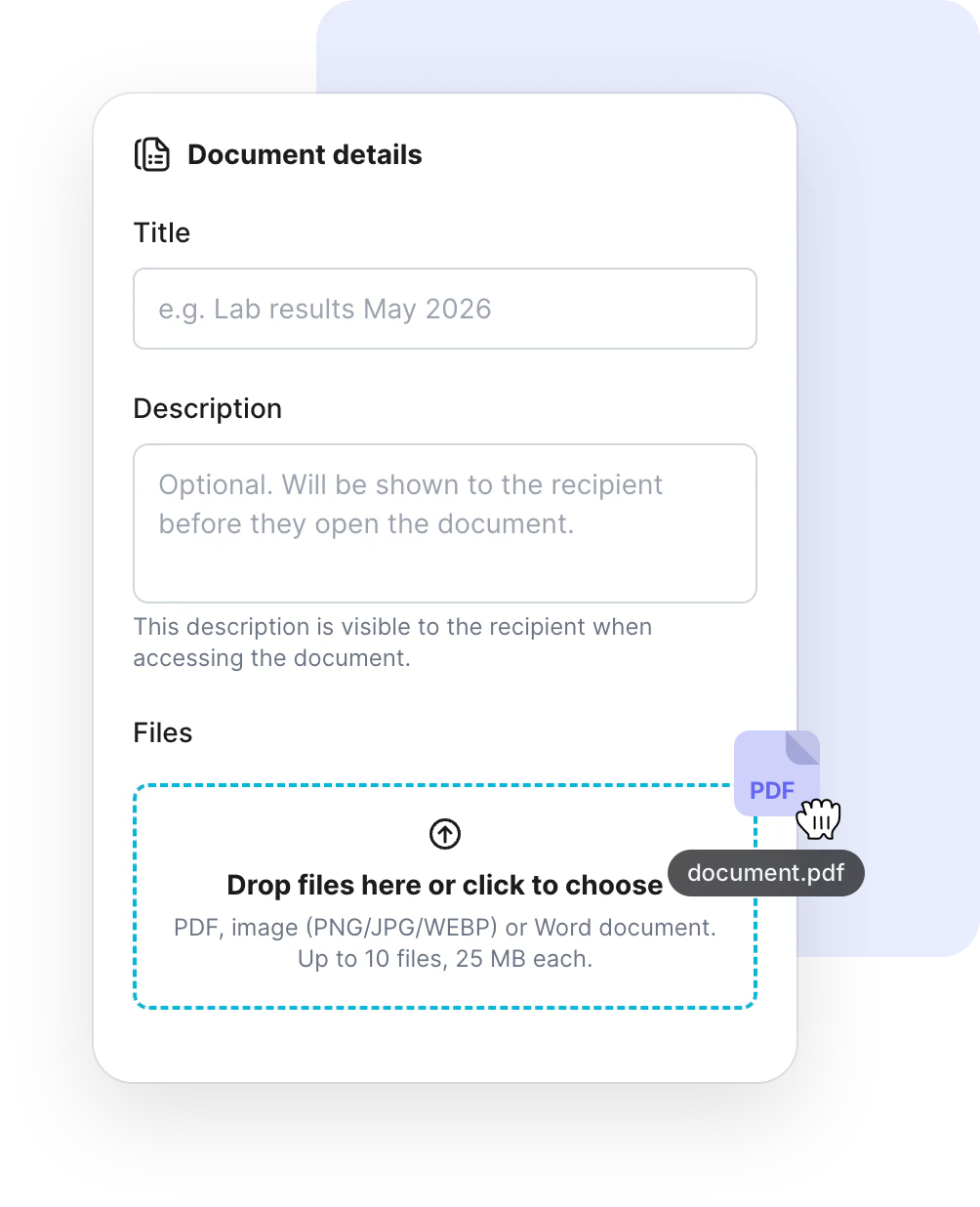
Results, invoices or forms go back and forth protected. Your patients do not need an account for this.
-
Sending documents
The recipient gets a link by email. To open it, they also need a 6-digit code. -
Limited time
You decide how long the document can be opened. After that, it is deleted. If you like, already after it is opened for the first time. -
Receiving documents
Your practice gets a fixed upload link. Patients use it to send you documents. First they confirm their email address with a code. -
Media library
You store files for the whole practice in one place. MeetOne sends them along with the appointment confirmation. For example an information sheet. -
Everything traceable
You see whether the email has arrived and when the document was opened.
In daily work
No fax machine, no scanning, no calling back. You can always see who received what.
Area 6 of 7
Working together as a team
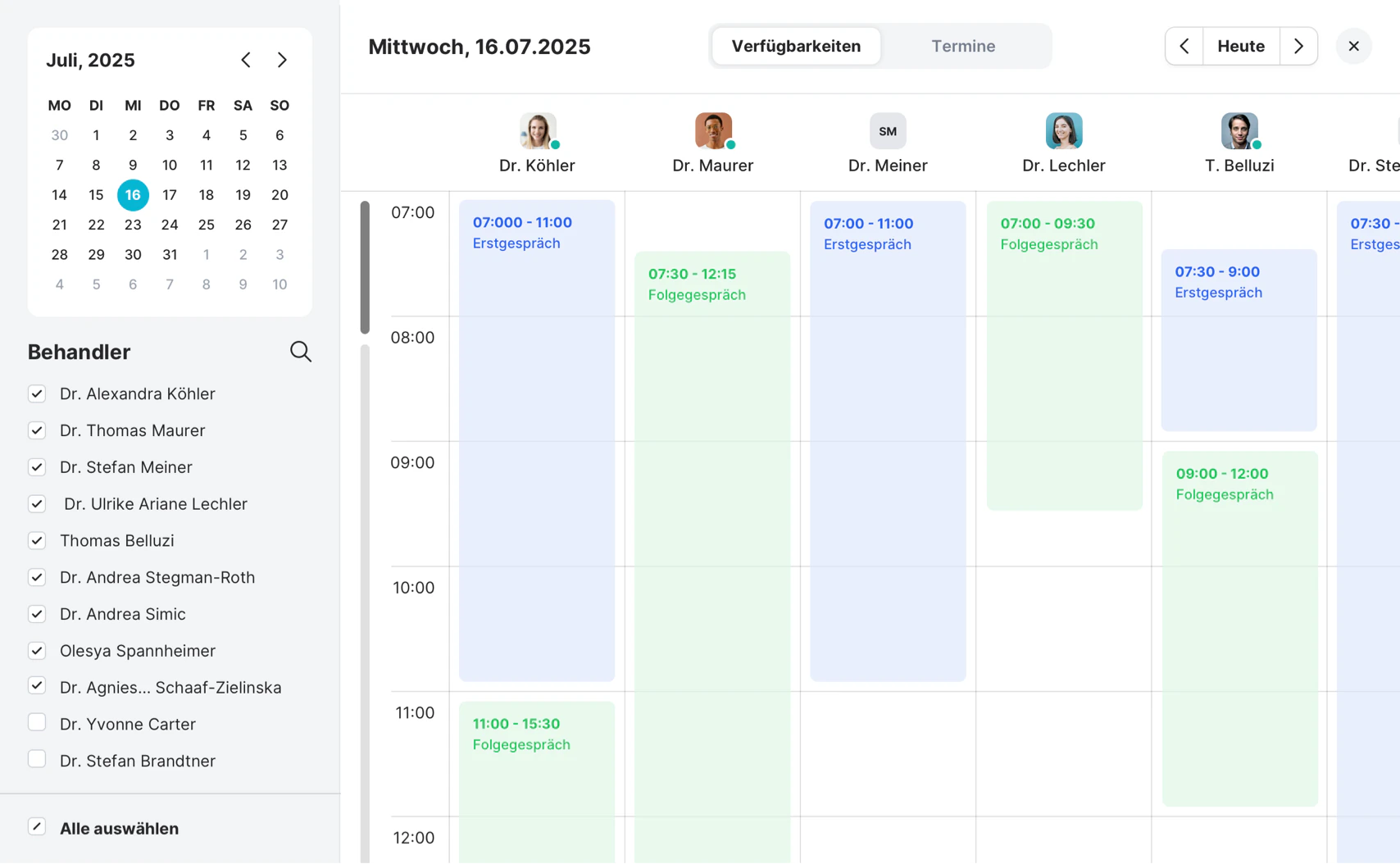
Doctors and the practice team work together in MeetOne. Everyone sees what matters to them.
-
One account for the practice
In MeetOne your practice is an organization. You add colleagues yourself. -
Team planner
You see the appointments and free times of all colleagues side by side. -
Role for the practice team
Medical assistants manage the appointments for the doctors. -
Tasks
You hand out tasks in the team. Everyone sees what is open and what is done. -
Notice before the appointment
Your browser lets you know shortly before an appointment starts.
In daily work
Fewer notes and less shouting across the room. Everyone knows what to do.
Area 7 of 7
Connection to your software
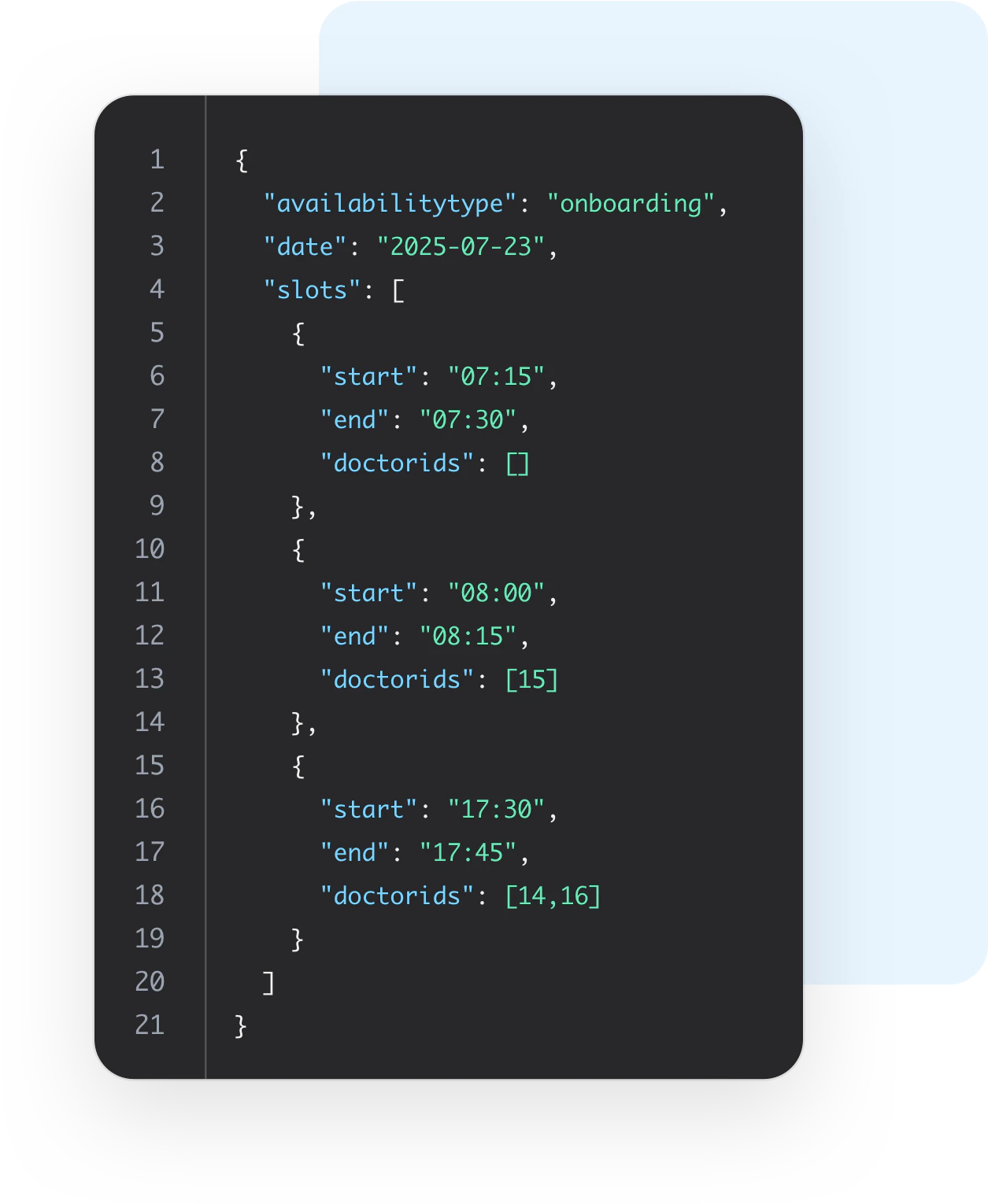
MeetOne has an interface. Experts call it an API. Other programs can use it to work together with MeetOne.
-
Appointments and video rooms
Another program can use the API to create appointments or video rooms in MeetOne, for example. Up to 1,000 appointments per month. -
Included in the price
The API is part of the Pro plan. You do not pay extra for it. -
Set up by experts
The setup is usually done by an IT service provider or the maker of your software.
In daily work
Data does not have to be typed in twice.
Coming soon to Pro
We are working on this right now.
- Questionnaires Patients fill in a questionnaire before their appointment. For example about their medical history.
- Group calls Up to 12 people in one video call.
These features are not available yet. Once they are ready, they will be part of Pro.
Prices
How much does MeetOne Pro cost?
€39 per user per month
When paid yearly. When paid monthly, it is €49. VAT is added in both cases.
- Users are the healthcare providers who hold video consultations. MeetOne is free for your patients and assistant staff.
- You can test MeetOne for free for 30 days. You do not need a credit card. The trial ends by itself.
Maybe Basic is enough?
Basic costs €9 per user per month when paid yearly. Basic includes video consultations, online booking, secure documents and tasks.
These features are only part of Pro:
- Appointments at the practice
- Consent when booking
- Connecting your calendar
- Walk-in hours by video
- Media library
- Interface (API)
You can test Pro and then continue with Basic.
Technology and security
What you need. And why you can rely on MeetOne.
What you need
- A device with a camera and microphone. For example a computer, a tablet or a smartphone.
- A stable internet connection.
- An up-to-date browser.
Your patients need the same. They do not need an account or an app.
Secure and billable
- MeetOne meets the KBV requirements for video consultations.
- You can bill video consultations according to EBM and GOÄ. This already applies during the trial.
- The video calls are encrypted.
- MeetOne follows the rules of the GDPR. The servers are in Germany and the EU.
Small dictionary
Words you will see often.
- Browser
- The program you use to open websites. For example Chrome, Edge, Firefox or Safari.
- Link
- An internet address you can click. One click opens the video call, for example.
- Encryption
- The data is packed in a way that only the right people can read it.
- KBV
- The National Association of Statutory Health Insurance Physicians in Germany. Together with the health insurers, it sets the rules for video consultations.
- GDPR
- General Data Protection Regulation. The European law that protects personal data.
- API
- An interface. Programs use it to exchange data automatically.
- Plan
- A package with certain features. MeetOne comes as Basic and as Pro, for example.
- User
- A person from your team who works with MeetOne. The price depends on the number of users.
Try MeetOne.
Free for 30 days. No credit card. The trial ends by itself. Still have questions? We are happy to show you MeetOne in person.