Online Appointment Booking
Appointment booking that
adapts to your practice.
Whether an appointment request with preferred times, direct booking of free slots or an instant appointment straight from a phone call: MeetOne covers every way of scheduling - including consent forms, file upload and integration of your personal calendars.
Three ways to an appointment
Request, direct booking or scheduling by the practice.
Practices work differently. That is why scheduling comes in three variants - usable individually or combined, as a link or embedded directly on your website.
Option 01
Appointment request
Patients state their preferred times and their concern - your practice decides when the appointment takes place and keeps control of the schedule.
- Form as a link or iframe on your website
- Up to four preferred times per request
- The practice reviews, schedules and confirms
Option 02
Direct booking
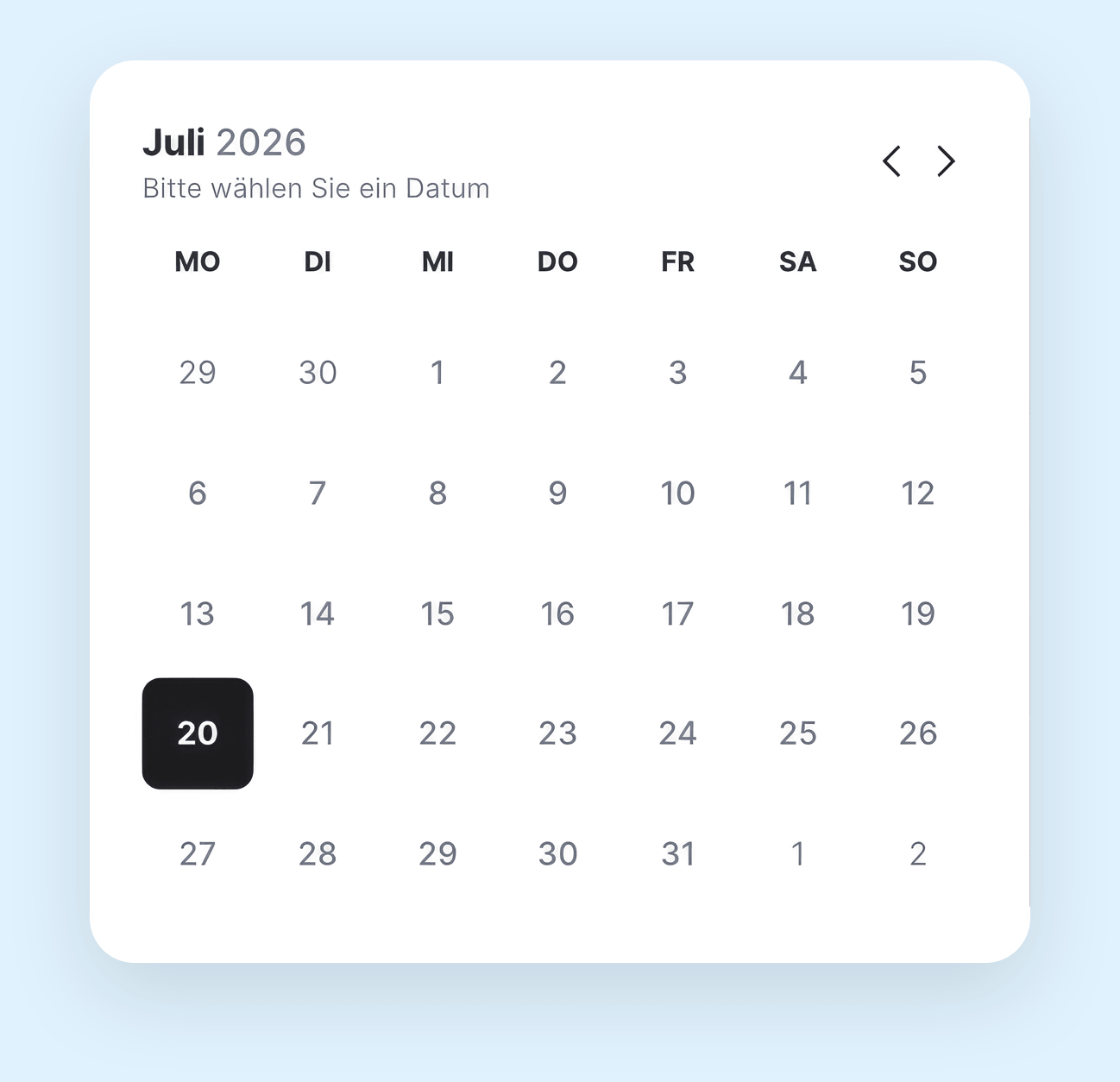
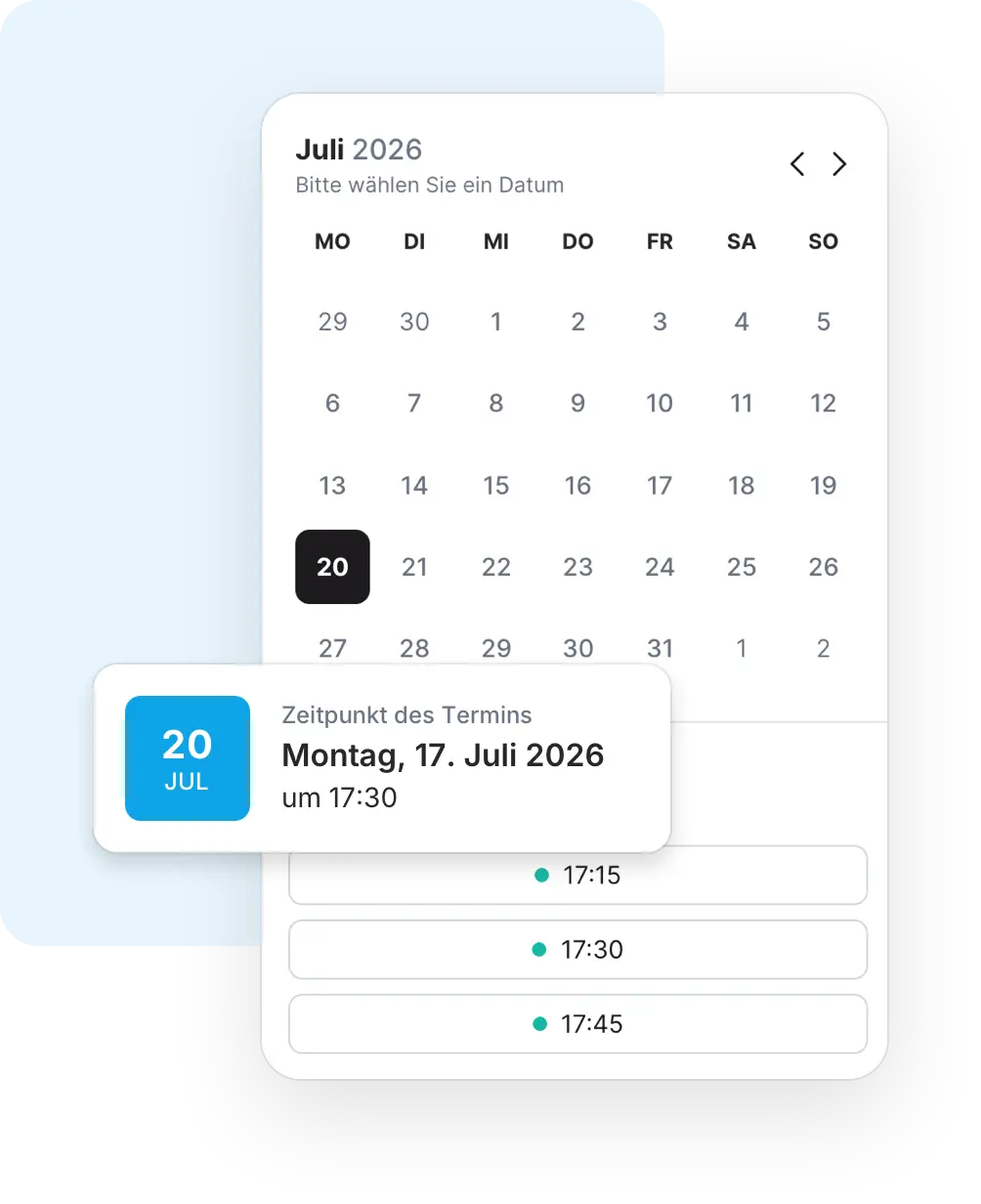
Patients independently book free slots derived from your doctors' stored availabilities - the appointment is fixed immediately.
- Free slots from availabilities, booked ones are hidden
- Configurable lead time against overly short-notice bookings
- Appointment types with their own duration and settings
Option 03
Scheduling by the practice
Your team creates appointments directly - even spontaneously during a phone call or for patients who prefer not to share an email address.
- Instant appointments: create and start the call right away
- Anonymous appointments without email and without notifications
- Appointment invitation: the patient picks the slot themselves
Booking in detail
From free slot to confirmed appointment.
-
Confirmation by the guest
Patients confirm the appointment via an email link. Unconfirmed appointments are automatically reminded - can be disabled on request.
-
Reminders included
Patients automatically receive a reminder 24 hours and one hour before the appointment - with a calendar file (ICS) in every email.
-
Consent & patient information
Store consent forms per appointment type or request. Patients confirm them during booking or at the latest with the appointment confirmation - the wording remains immutably documented.
-
File upload during booking
Medical history forms, preliminary information or previous findings - up to 10 files per booking (JPG, PNG, PDF, max. 25 MB each). Also possible afterwards, protected by a one-time email code.
All options
Appointment types for every workflow.
Not every appointment is a classic video consultation with lead time. These options cover the cases that otherwise need workarounds in daily practice.
On-site appointments
Appointments at the practice instead of via video: with an assigned treatment location and no video link - confirmation and calendar entry automatically contain the practice address.
Anonymous appointments
For sensitive counselling contexts: appointments without an email address and without automatic notifications - created by your team.
Instant appointments
From the phone call straight into the video call - create the appointment and start the consultation immediately, without a detour via the calendar.
Send questionnaires automatically
Appointment types can automatically send a medical history or preparation questionnaire to patients after booking.
Reschedule instead of cancel
Patients move appointments themselves - exclusively to slots that are actually free. Everyone involved receives updated calendar entries.
Export & interfaces
Export appointments as PDF or calendar file, manage them via REST API or push them to your systems via webhooks.
Calendar integration
Your personal calendar joins the planning.
Connect Google Calendar, Microsoft Outlook or CalDAV calendars such as iCloud and Nextcloud: personal events appear right next to availabilities and booked consultations in the planner - overlaps stand out before they become double bookings.
-
Google, Microsoft & CalDAV
Hourly synchronization via a secure OAuth connection - with read-only access to your calendar for Outlook.
-
Everything in one view
Personal events, availabilities and booked consultations side by side in the weekly planner - for every doctor in the organization.
-
Double-booking protection
The system prevents overlapping appointments for the same doctor - and already booked slots disappear from online booking.
Google Calendar
Connect private and practice calendars from Google Workspace or a personal Google account.
Microsoft Outlook
Connection via Microsoft 365 with read-only calendar access - your events stay with Microsoft.
CalDAV
Open standard for all other calendars - for example iCloud or Nextcloud.
Frequently asked questions about appointment booking.
-
Can we combine appointment requests and direct booking?
Yes. Both modules can be activated independently. Many practices start with appointment requests and later open direct booking for selected appointment types.
-
Can we mix video consultations and in-person appointments?
Yes. Each appointment type is either a video consultation or assigned to a treatment location. In-person appointments come without a video link - patients receive the address in the confirmation and calendar entry instead. Availabilities for different rooms can run in parallel; the system prevents the same room or the same doctor from being double-booked.
-
How does booking get onto our website?
For each module you receive direct links as well as ready-made iframe code for embedding - per organization or per doctor. The booking form thus integrates directly into your existing website.
-
How short-notice can patients book online?
You define that via the lead time. Slots starting too soon are automatically hidden from online booking - your team can of course still create appointments internally at any time.
-
What happens to uploaded files?
Uploaded documents are only visible to the treating practice and are automatically deleted after a configurable period following the appointment. Subsequent uploads are secured by a one-time email code.
-
Does my Google Calendar automatically block online bookings?
Your personal events are displayed in the planner next to your availabilities, so you never place availabilities on top of existing commitments in the first place. Online booking itself automatically hides all already booked MeetOne appointments.
-
Do patients receive calendar entries?
Yes. Every confirmation, reminder and change contains an ICS calendar file - entries are updated when appointments are moved and automatically cancelled when appointments are cancelled.
Try it now
See appointment booking in action.
In a no-obligation demo we show you all three booking paths - from the appointment request via direct booking to the instant appointment.